
Authors:
Tania Zhydkova
TL;DR
- •Tiger Finder launched an AI Profile Classifier that filters TikTok influencer searches to show only real human creators.
- •The classifier reads bio, avatar, visuals, and captions to judge each account instead of trusting TikTok's official label.
- •Many businesses post from personal profiles to skip document verification, polluting standard influencer searches.
- •Some real creators switch to Business Accounts for monetization features and get wrongly filtered out by basic tools.
- •The tool eliminates the manual cleanup pass that often takes half a day per list of 100 candidates.
- •The AI Profile Classifier is available now on every Tiger Finder plan, including the free tier.
You can now run TikTok influencer searches that are 10x more effective than the traditional workflow. Tiger Finder's new AI Profile Classifier filters out everything that is not a real human creator: business accounts, shops, charities, communities, organizations, and any other account that does not belong to an individual person.
💡 The new AI Profile Classifier shows you only real human creators in your TikTok search. It reads what each account actually posts (bio, avatar, visuals, captions, and other signals) and decides whether the account belongs to an individual creator or to something else.
This solves a problem every influencer marketer knows. You search for lifestyle creators, filter for personal profiles, and the results still fill up with shop accounts and brand pages.
The AI Profile Classifier reads the real content instead of trusting the official TikTok label, so businesses posing as personal profiles get filtered out, and real creators tagged as business accounts stay in your results.
Why do business accounts keep showing up in your TikTok influencer search?
Most influencer search tools filter accounts by the profile type that TikTok itself labels them with, and that label is wrong far too often. There are two reasons:
1. Switching to a TikTok Business Account requires document verification, and many businesses skip that step.
They keep posting as a personal profile while running an obviously commercial operation. They sell courses or push services, and most posts are product demos. From TikTok's perspective, they are personal accounts. From an influencer marketer's perspective, they are noise.
2. Some genuine creators tag themselves as a Business Account.
This is because these creators monetize their content and want access to TikTok's business features. If you filter them out by official TikTok profile type, you lose real influencers you would have wanted to work with.
So the manual work falls on you. You open each account, scroll through the videos, read the bio, and decide for yourself whether it is a person creating content or a brand pushing a product.
The AI Profile Classifier does this for you. It looks at the same things you would (bio, avatar, videos, captions) and decides whether the account belongs to a creator or a business. That’s why the results you see in Tiger Finder are real human creators, without the noise.
How does Tiger Finder's AI Profile Classifier work?
The AI Profile Classifier is trained on the same kind of signals an influencer researcher uses when vetting an account manually. It looks at the bio, the avatar, the visuals in recent videos, the captions, and whether a recognizable person appears in the content.
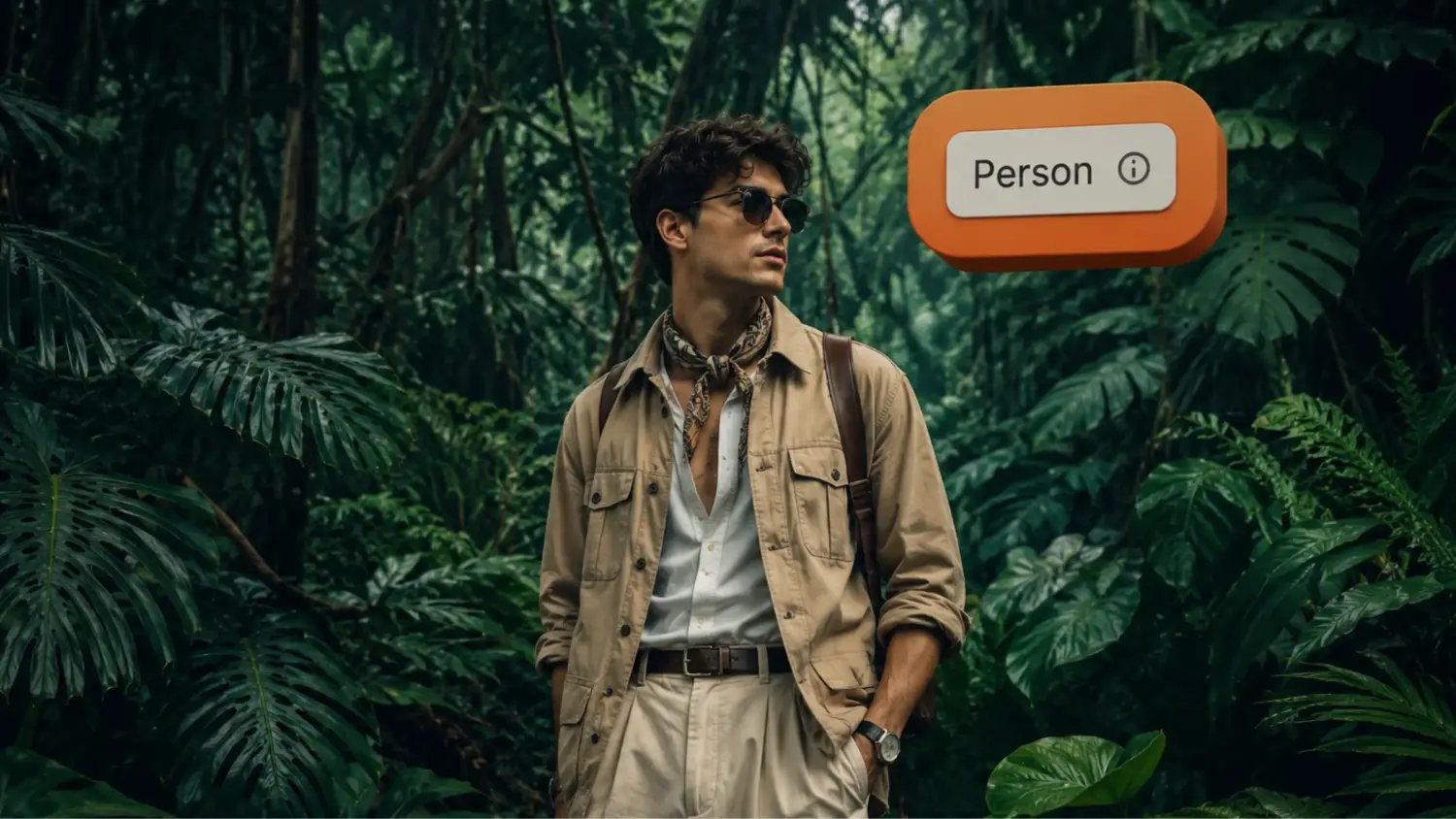
If those signals point to a creator, the account is classified as Person. If they point to a brand operation, the account is classified as Business.
You apply this in Tiger Finder by writing a natural language search, for example: “lifestyle influencers who have cats and dogs and actively show them in their profile”. Then you turn on the Profile Classifier and select Person. Your results will only include accounts that the classifier identified as real creators.
How is this different from TikTok's built-in profile type filter?
TikTok's filter checks a single field: the account's declared profile type. The AI Profile Classifier reads the actual content and judges what the account really is.
It solves both cases:
- A business posting from a personal profile gets filtered out, even though TikTok still labels it as personal.
- A creator who switched to a Business Account stays in your results, because the classifier judges them by their content, not by the label they picked for analytics.
You get the creators you actually want and skip the ones you don’t need.
How do you turn on the AI Profile Classifier in Tiger Finder?
Open any search in Tiger Finder. In the filters row, you will see a Profile Classifier control with three options: All, Person, and Other.
“All” is selected by default and returns every account that matches your search. Select “Person” to see only real human creators.
You can also flip the selection to “Other” if you ever want the opposite view, for example when researching competitor brand accounts on TikTok.
What does this mean for your influencer outreach workflow?
You spend less time vetting accounts manually and more time on outreach to genuine creators.
Before the AI Profile Classifier, a typical TikTok influencer search ended with a manual cleanup pass. You exported a list, opened each profile, decided whether it was a real creator, removed the obvious businesses, and only then started outreach. For a list of 100 candidates, that step alone could eat half a day.
With the classifier on, that cleanup happens at search time. The list you export is already filtered to real creators. You move straight from search to outreach.
Try the AI Profile Classifier in Tiger Finder
The AI Profile Classifier is available now in Tiger Finder, including on the free plan. If you already have an account, open any search and look for the Profile Classifier toggle. If you do not, you can sign up and run your first searches without a credit card. 👇



 TikTok Influencers in Seconds