Authors:
Tania Zhydkova
TL;DR
- •Tiger Finder launched an Audience location filter that finds TikTok creators by where their real, engaged audience is based.
- •You set a minimum share for a country, for example at least 50% of the audience in the United States.
- •The filter reads the audience that comments on a creator's videos. It does not use the follower list.
- •This helps you spend budget only on creators whose viewers match the market you sell to.
You can now find TikTok creators by where their real audience actually watches.
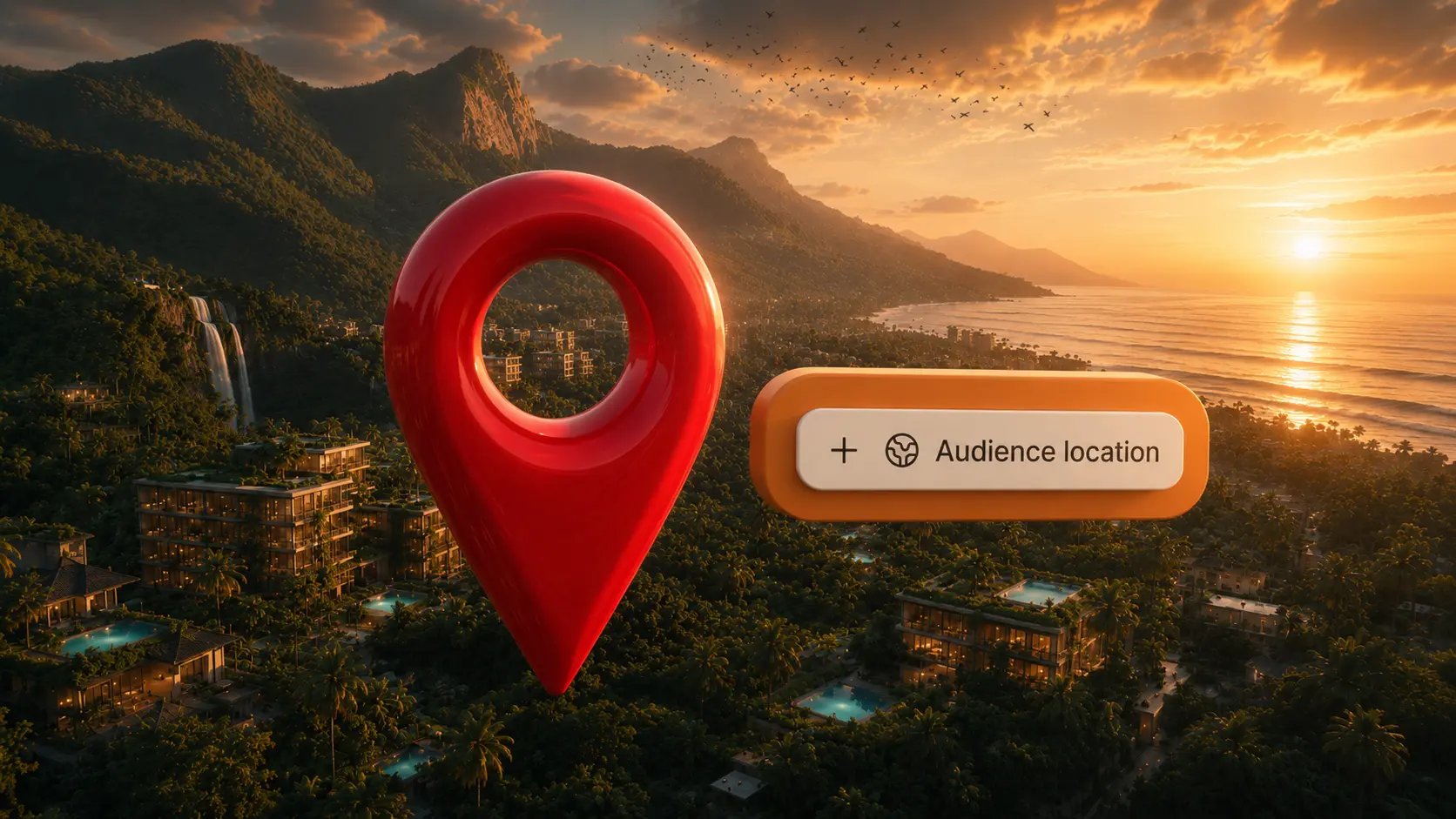
Tiger Finder's new Audience location filter lets you set a minimum share of a creator's engaged audience in a country, so the people seeing the creator’s videos match the market you sell to.
💡 The new Audience location filter shows you TikTok creators whose engaged audience sits in the countries you care about. It reads who actually comments on creator's videos, then lets you require, say, at least 50% of that audience to be in the United States.
Why does audience location matter when you pick a TikTok influencer?
Because a creator's audience is exactly who you advertise to. If their viewers sit outside your market, your budget reaches people who can never become customers.
This is easy to miss. A creator can post in English, live in a city you recognise, and still have an audience that is mostly somewhere else. Their viewers could be a-n-y-w-h-e-r-e. On TikTok, that gap between where a creator seems to be and where their audience actually is can be wide.
So before you pay for a collaboration, you want one answer:
👉 Are these viewers people I can sell to?
Audience location gives you that answer at the search stage, before outreach and before any money changes hands.
Why does Tiger Finder look at the engaged audience instead of followers?
Because on TikTok, followers are not the audience. The For You page pushes videos to people who do not follow the creator, so a large share of views and comments comes from non-followers.
Most tools read the follower list to guess where an audience is. That tells you who subscribed at some point, but it does not tell you who is watching now.
Tiger Finder takes a different signal. It analyses the people who engage with a creator's content, specifically the audience leaving comments. Those are the people actually watching and reacting.
When you require at least 50% of that audience to be in the United States, you are filtering on viewers, not on a stale subscriber list.
How is audience location different from influencer location?
Influencer location is where the creator lives. Audience location is where their viewers are. The two often disagree, and that gap is the whole point.
A creator based in London can have an audience that is mostly American. A creator in the United States can have viewers spread across Latin America. If you only ever filtered by where the creator is, you would keep missing this.
👉 Use influencer location when the creator's own base matters, for example for shipping product, language, or timezone during the collaboration.
👉 Use audience location when you care about who sees the campaign.
For ad targeting, audience location is the one that protects your budget.
How do you set up an Audience location filter in Tiger Finder?
Tiger Finder is built around natural-language search, so the simplest way to use Audience location is to say what you need. Tell it the country and the share you care about, and it reads that and applies the filter automatically.
For example, you could type any of these:
- lifestyle creators whose audience is mostly in the US
- beauty influencers with at least 50% their viewers in Germany
- food creators with a majority audience in the UK
Run the search, and your results only include creators whose engaged audience matches what you described.
Prefer to set it by hand? You can do that from the filters row:
- In the filters row, click Audience location.
- Pick a country from the dropdown, for example United States.
- Set the share next to "at least", for example 50%.
- Optionally add more countries.
- Run the search. Your results now only include creators whose engaged audience meets the share you set.
💡 Pro tip:
Start with a lower threshold, around 30%, and review the shortlist before you tighten it to 50% or more. A high bar plus a niche topic can shrink your results fast. You may be filtering out strong creators whose audience is split across two markets you both happen to sell to.
Try Audience location for free
Audience location is available now in Tiger Finder. Open any search, add the Audience location filter, and set the share you need. Try it for free 👇🏻



 TikTok Influencers in Seconds